Friday, October 8, 2010

Free Voice Chat for your Nokia 3110c : Palringo

Do you really want to chat through your mobile, here's the solution for you
"PALRINGO"

Palringo is an multi-instant messenger just like ebuddy and nimbuzz. But the most important advantage of palringo is it allows voice chat.

This voice chat can be done through all java enabled phone.
Here are some points about voice chat using palringo :-
  • It is just like push to talk(ptt) and not like voice calling. Only one way communication is possible at a time.
  • The software use advanced voice compression system, but it is upto your network speed for time delay of messages.
  • Both the user must have palringo installed on their phone and should be on each others contacts.
  • Voice clarity is much better.
DOWNLOADING PALRINGO (for java only)
For downloading palringo just point your phone browser to palringo.mobi
OR
You can also download from the above url using your desktop
FOR NOKIA  3110C USERS
By default, we cannot find palringo for our phone.
But don't worry. Just download any java version(J2ME), it will work.
The only problem we will encounter is visibility of text chats.
But the voice chat does not have any problem.

Friday, September 24, 2010

Checking software version/ firmware

It is necessary to check your software version, to know whether you are outdated or not.
Just dial *#0000# and you may get the following result
Nokia 3110c   ==> Phones name
v 07.21  ==> Software version/firmware
05-11-08
RM 237
(c) Nokia

Latest version for Nokia 3110c is v 07.21 and oldest is v 06.01

Friday, September 10, 2010

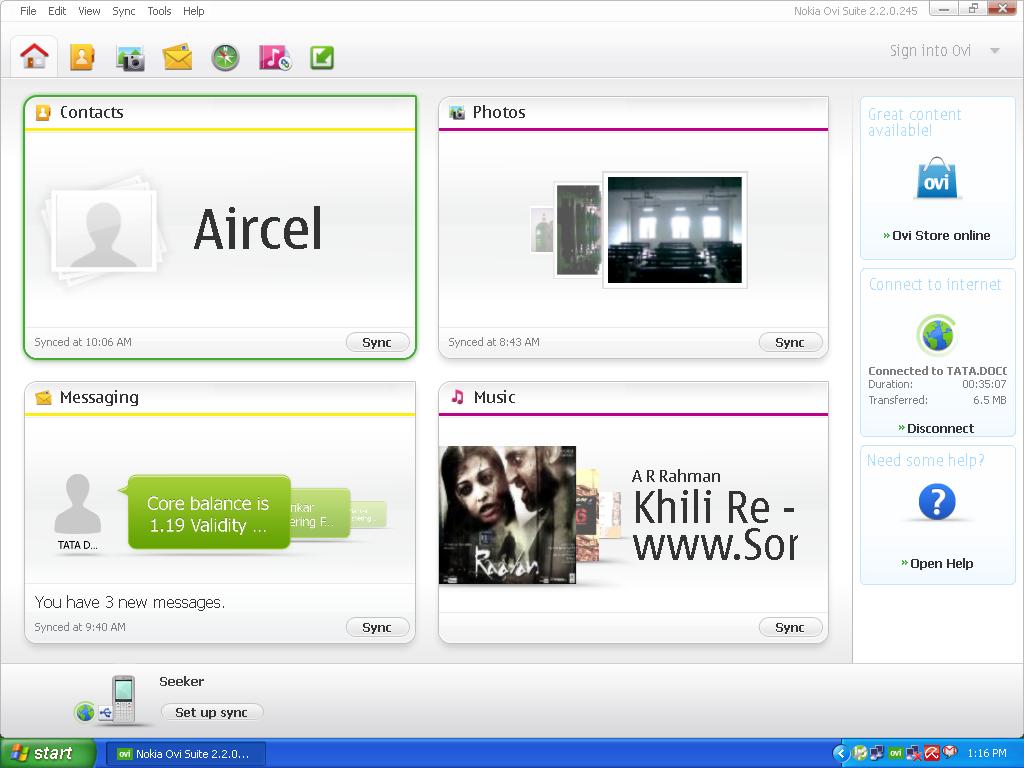
Updates : Nokia Ovi Suite v2.2.1.2.3

A newer version of Nokia ovi suite is available.

Here are the details : 

Software : Nokia Ovi Suite
Updated Version : 2.2.1.23
Previous version : 2.2.0.245
What's New : 
  • Important improvement for Nokia N8
  • Increased Stability
  • Much more reliable Map download
  • Video playback has been improved
  • Now supports synchronizing contacts with Mozilla Thunderbird 3.1
Downloading:
  1. You can either download by visiting this url (http://nds1.nokia.com/files/support/global/phones/software/Nokia_Ovi_Suite_webinstaller_ALL.exe). File download size is 98.14 Mb
  2. If you already have a previous version installed use Tools > Software updates. File download Size is 84Mb

Saturday, September 4, 2010

Skins for KD player in Nokia 3110c

As mentioned, the most important advantage of the KD player is that it can change its skin. You may think that this will be basic colour change. No, its more than that and your can turn it into a new player.
There are two steps for getting the skin

Getting skin files from official site :
My selection

Out of all the skins from the official sites , i have chosen some favorites which are most compatible and good looking.
Download and extract this .zip file and copy the whole to your memory card

Changing Skin
  • Go to main menu of the KD player
  • Click menu
  • Click 'More(incl. skins)'
  • Select Change Skin
  • Browse to the location of your skin file and select it.
  • Over and out

Related Posts Plugin for WordPress, Blogger...